MacTalk® - One Software for All Motors
MacTalk® is the universal software from JVL for all integrated motor series: MAC motor®, ServoStep™ and QuickStep®.
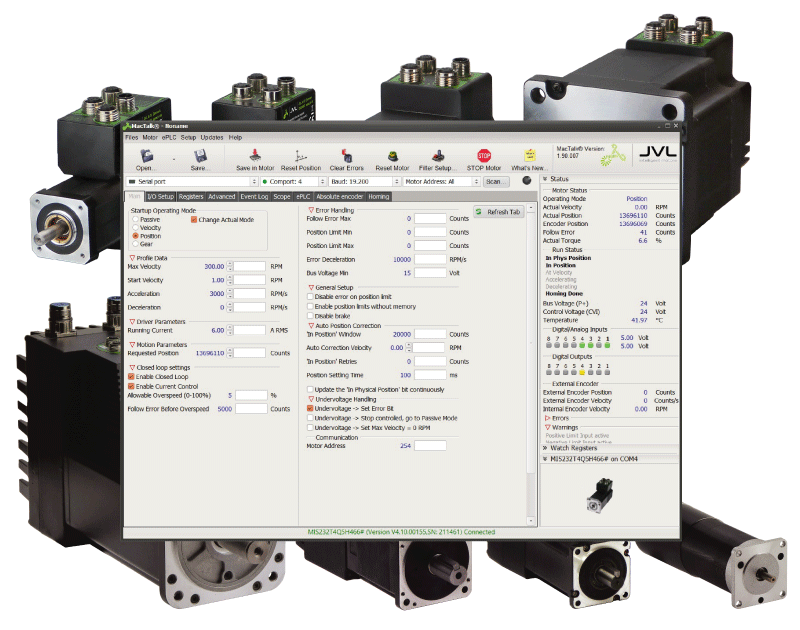
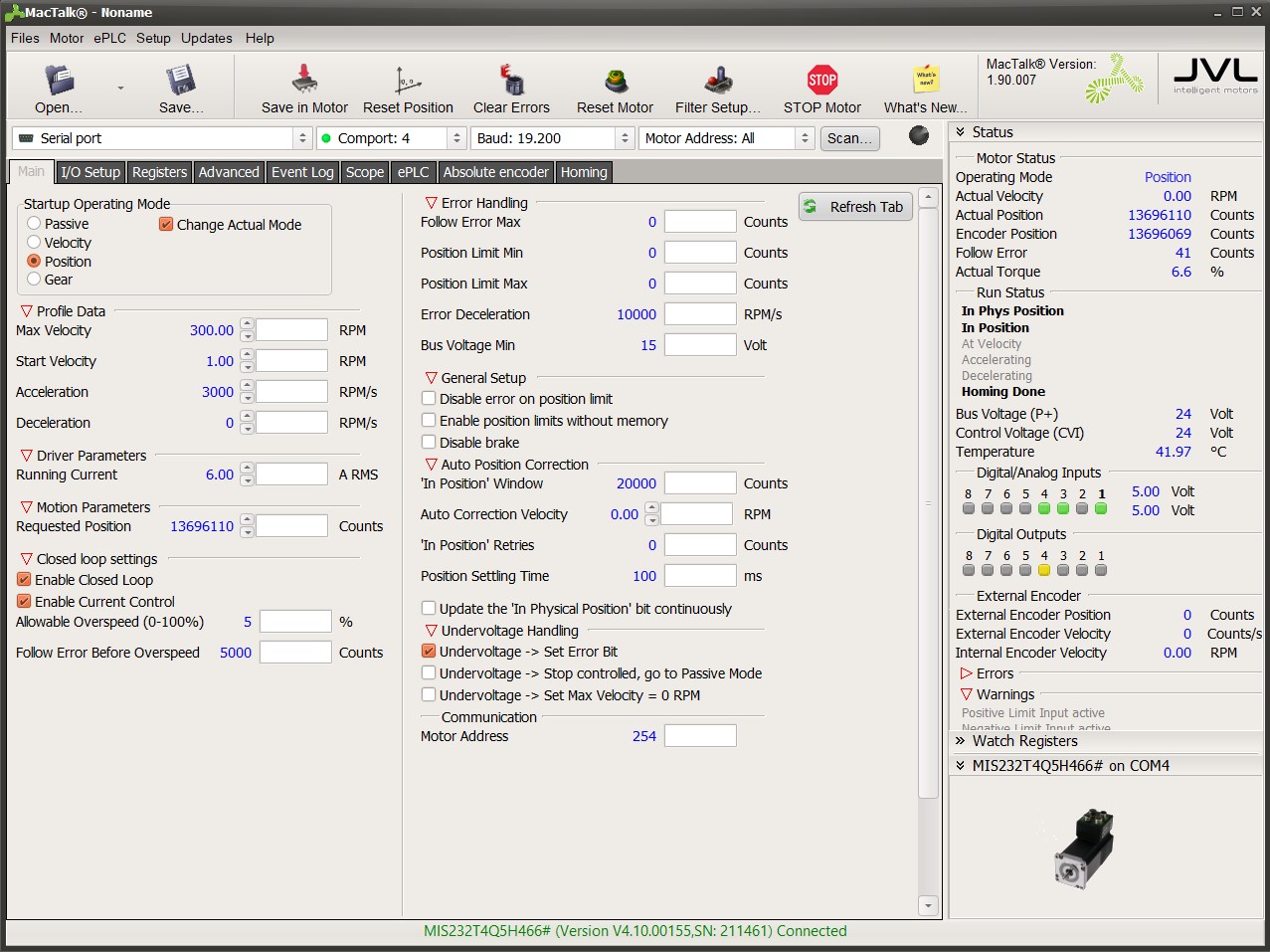
MT is used for setup, monitoring and diagnostics in real time - and for ePLC program development, where the PLC program is embedded and runs locally in the motor.
Although advanced functionality is included, all operations are very intuitive and easy to use. MacTalk® allows you to adjust all vital parameters and save them in a file or load them from a file, including any ePLC program.
Industrial Ethernet
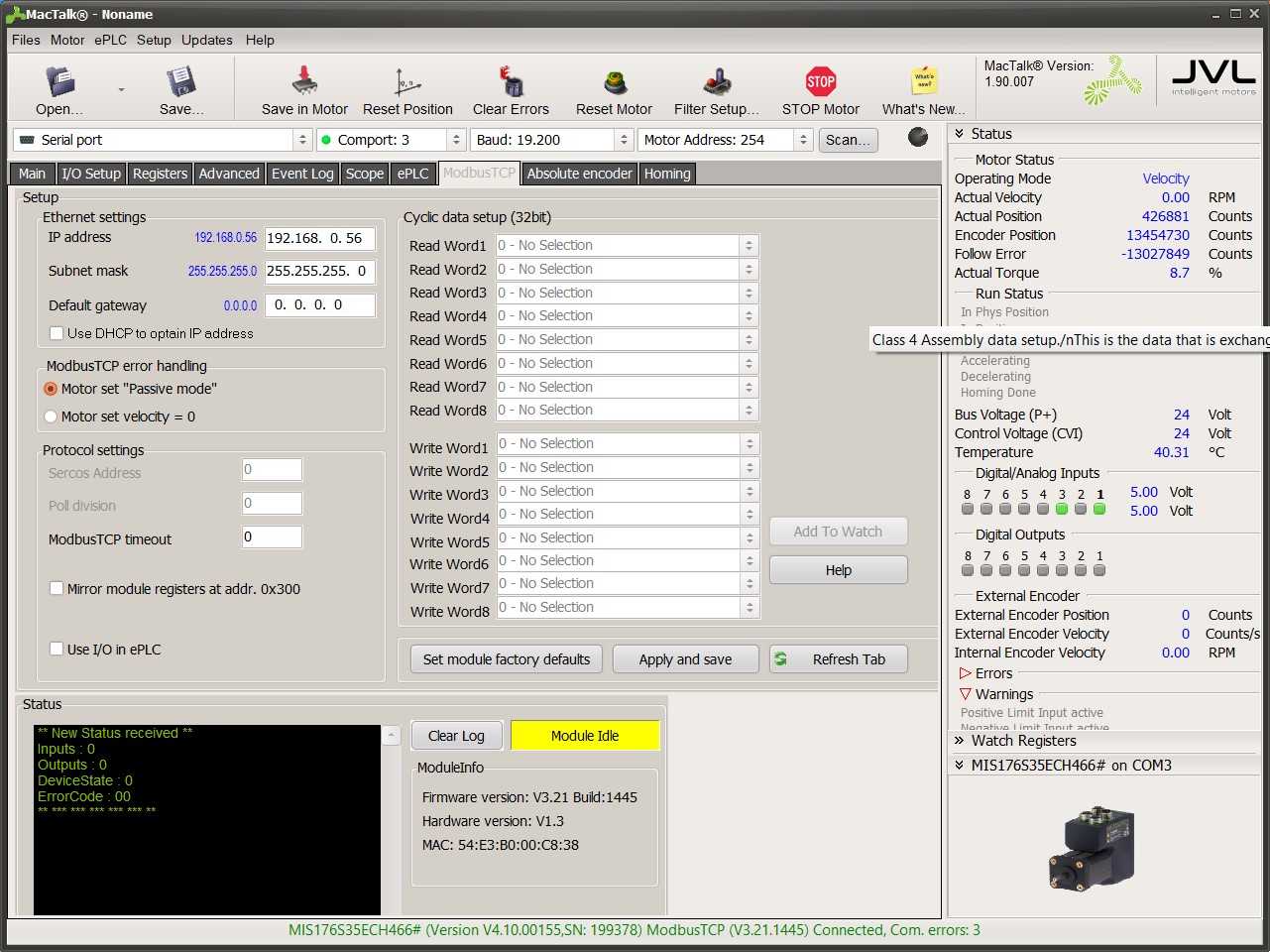
If you use industrial Ethernet setup and monitoring is also easy.
Functionality and handling is similar for all supported protocols:
Profinet, EtherNet/IP, Sercos, Powerlink, EtherCAT and Modbus TCP/UDP.
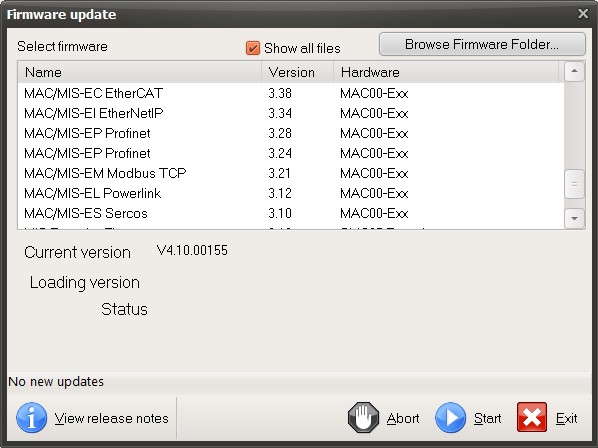
You can even change between the different Ethernet protocols just by making a firmware update - it is gratis and you can do it as many times as you like.
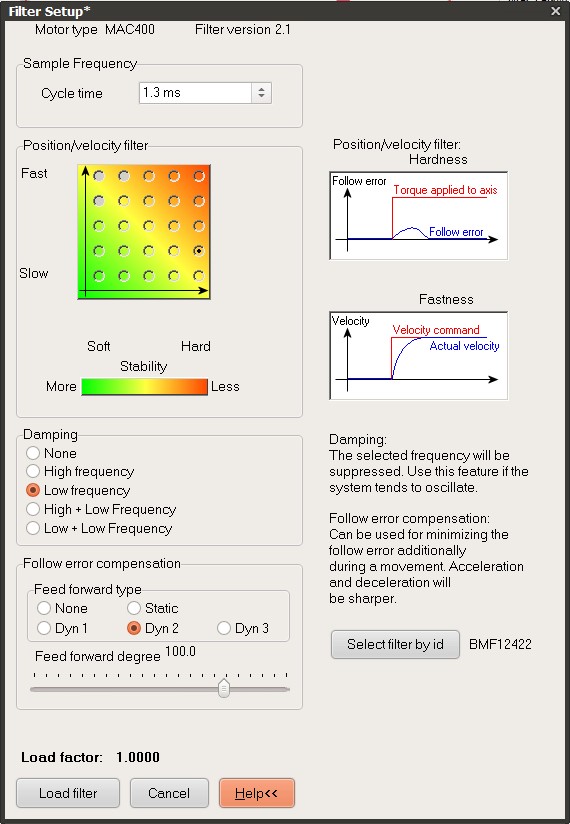
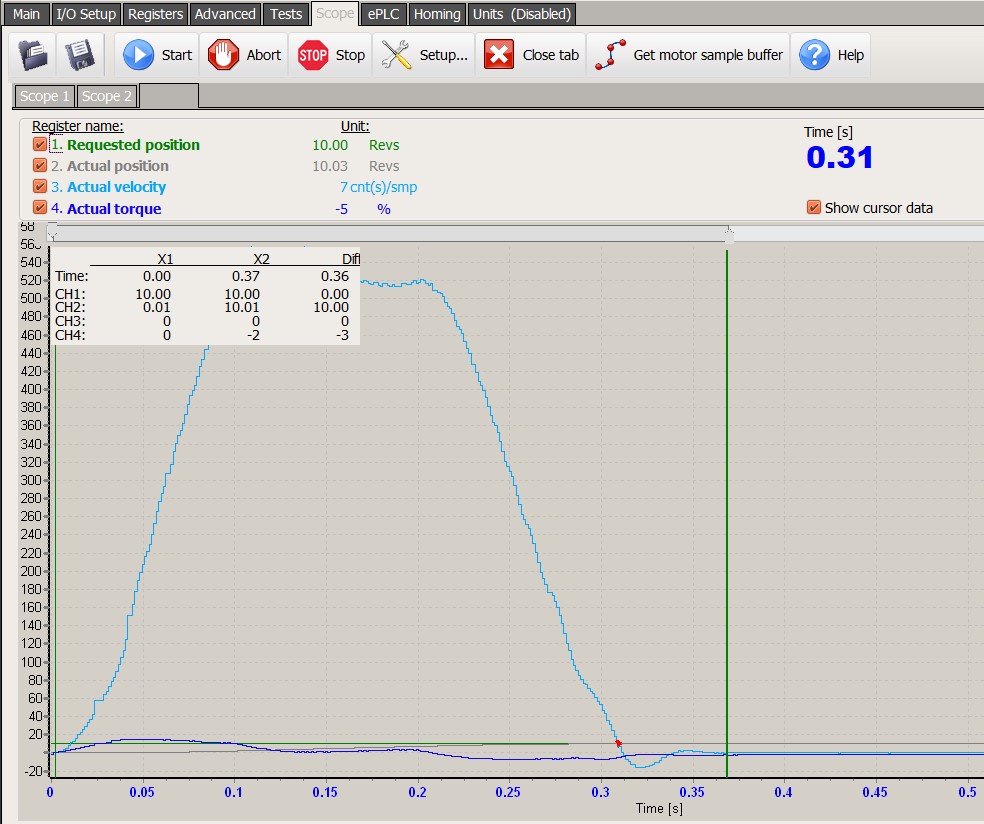
When commissioning a system MacTalk® even provides a convenient way to test and adjust your system. You can easily set up a test sequence and then adjust parameters like velocity, acceleration and torque. It is possible to select the distance moved and the delay between the moves. Also more advanced parameters are easily adjusted. For MAC motor®s the servo loop is controlled by an advanced 6th-order filter, instead of a simple PID loop, but setup is easy to do with the graphic pop-up-window.
Graphical Programming
Writing ePLC programs for the servo series, MAC motor®, and for the stepper series, ServoStep™ and QuickStep®, is very easy and can be done even by end-users. You don't have to be an experienced PLC programmer to make ePLC programs: the icon-based graphical programming environment does the job for you. Just click on the command icon you want and the program line is created for you.
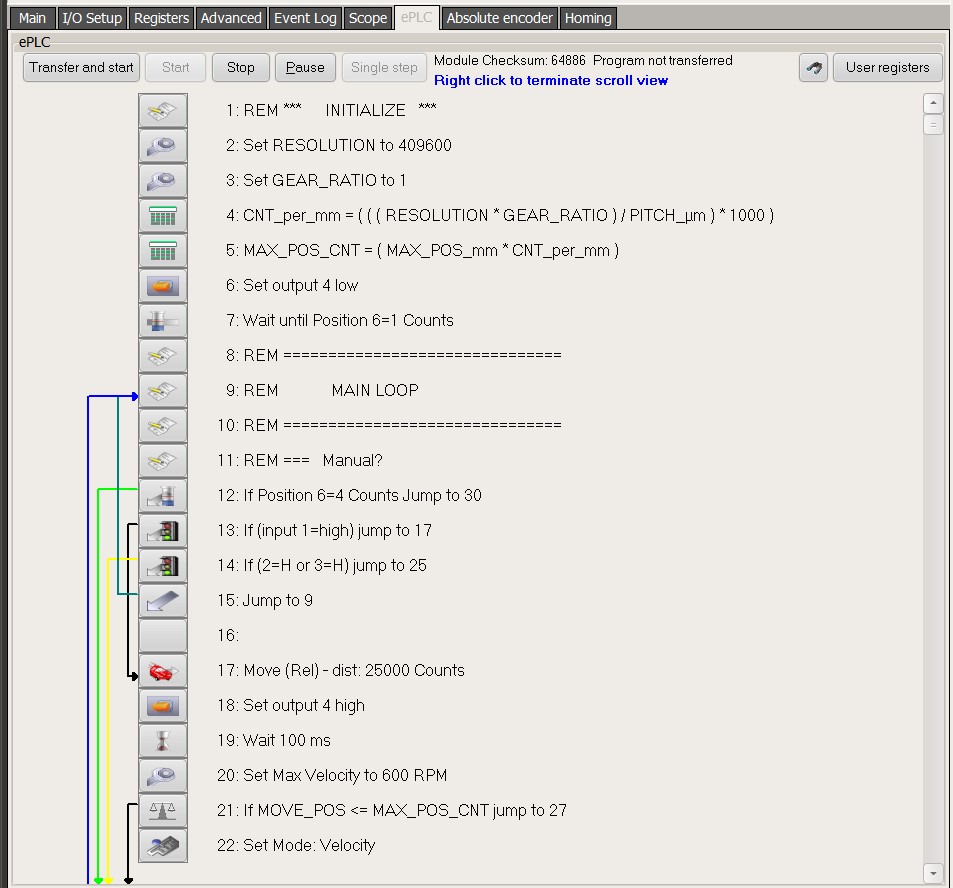
No matter the number of I/O points in the actual motor, each digital input and output and analog input can be used in the program: you can query single or multiple input conditions and branch accordingly to other parts of your program. Motion commands are available with different kinds of relative or absolute movements. Jumps and IF commands, timers and other functions are also available as well as register calculations. All registers and parameters in the motor can be accessed and changed if required.
Always Fresh
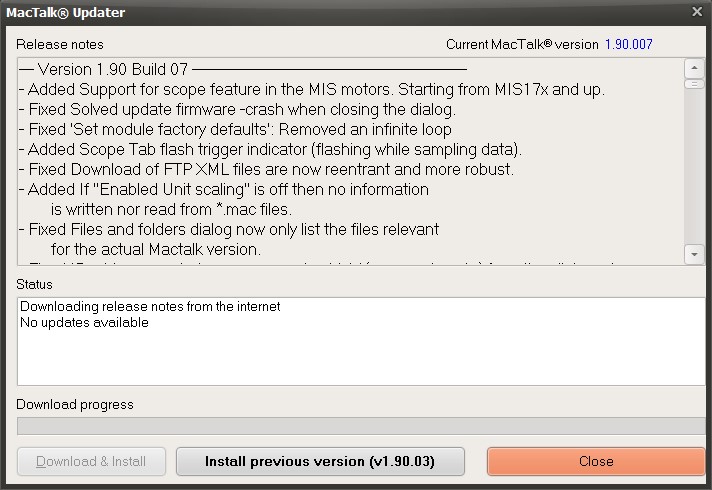
Another nice feature is the update function: when your PC is connected to the internet you can update the MacTalk® software itself - and even the motor system's firmware can be updated. Once bought, MacTalk® will stay "fresh" - always including the latest functionality.
Features
- ePLC - Graphical programming makes it easy to develop programs, even for end-users.
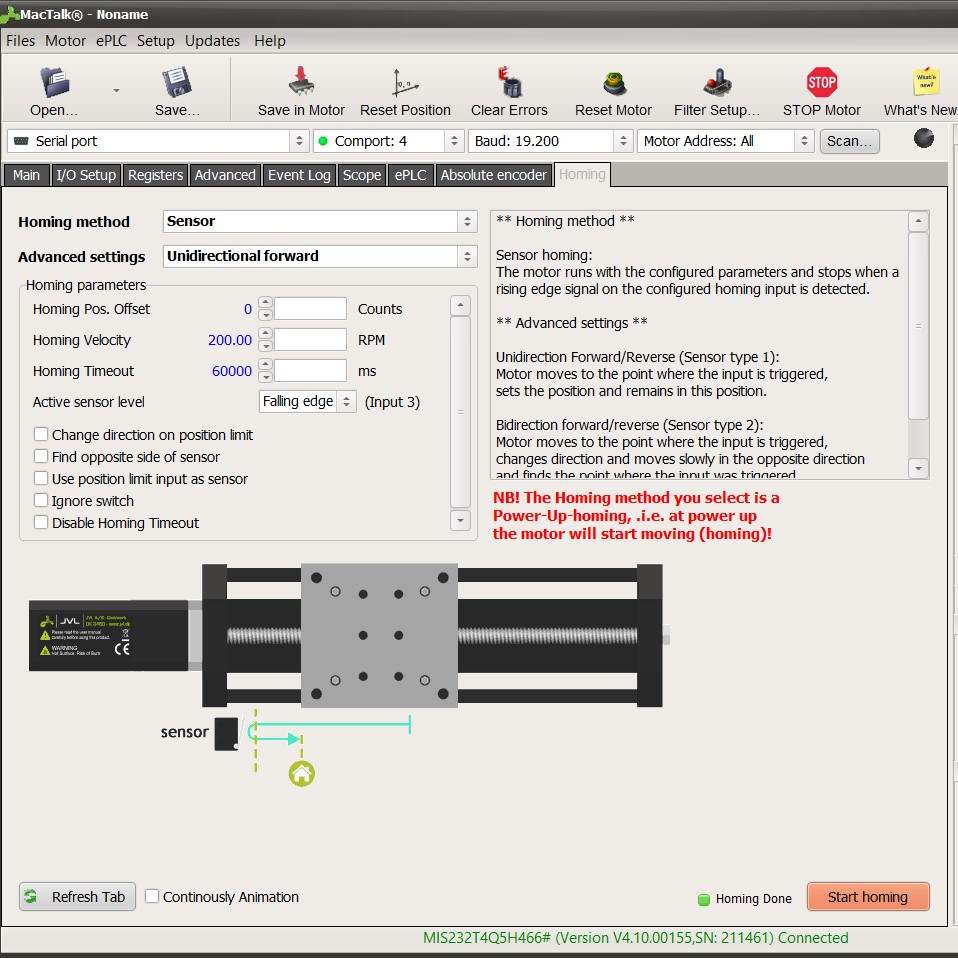
- Homing - Homing functionality on a separate tab makes it easy to select the required method.
- Scope - is a great help when commissioning a motor system.
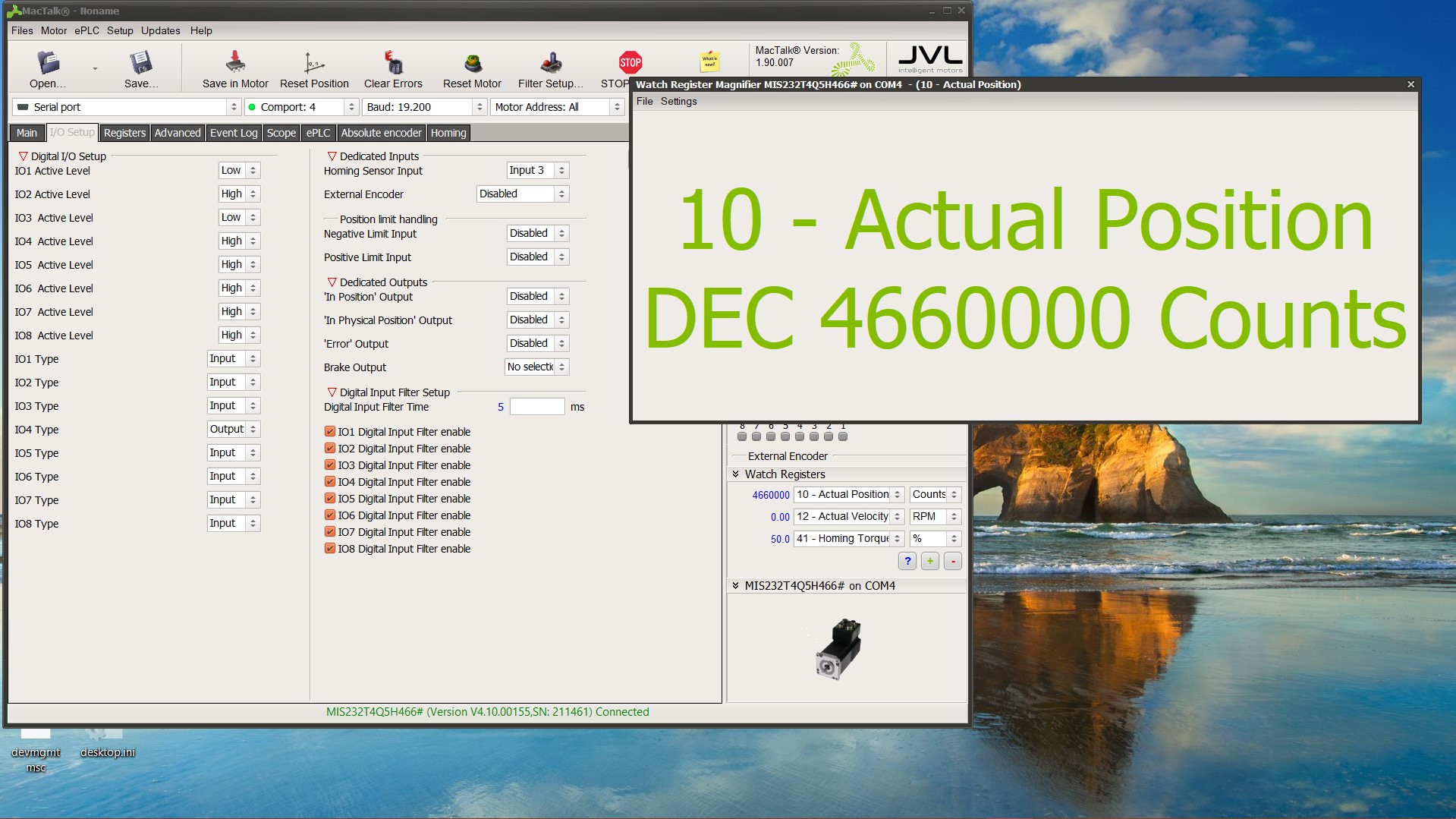
- Watch - New Watch functionality makes it easy to monitor specific values even from a long distance.
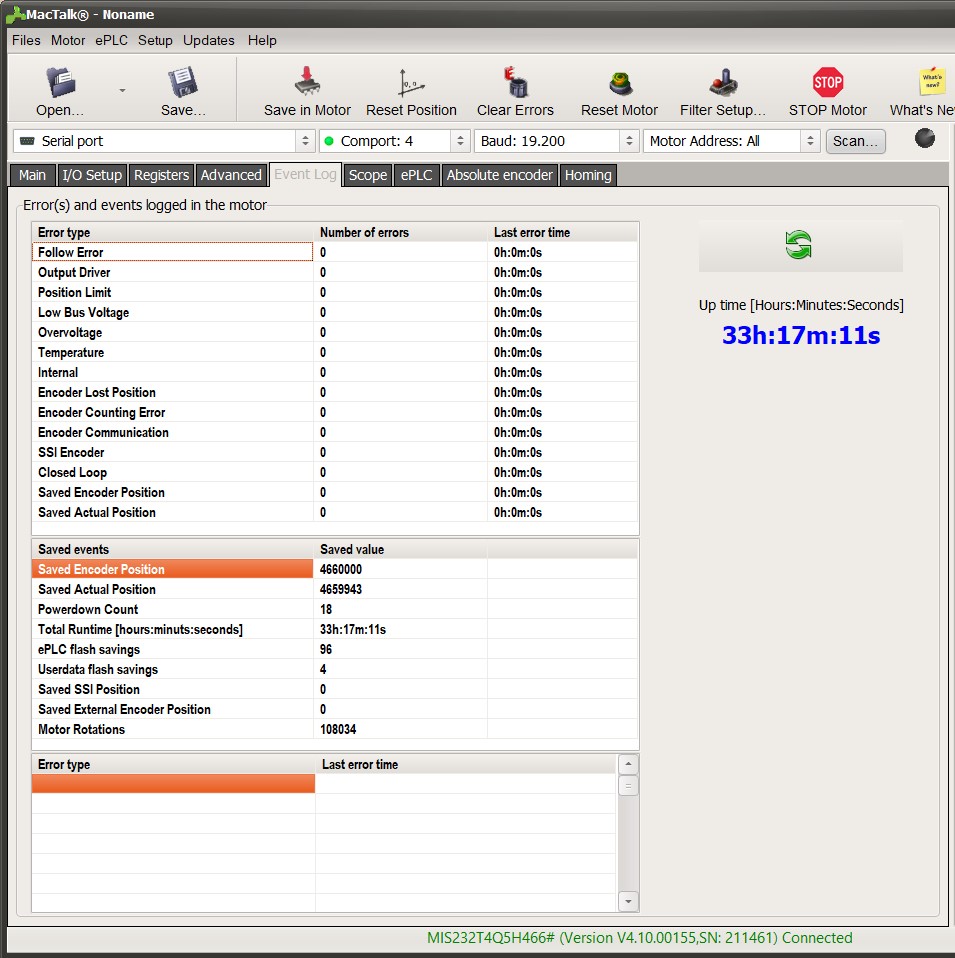
- Event Log - shows the total up-time, saved events and an error-log.
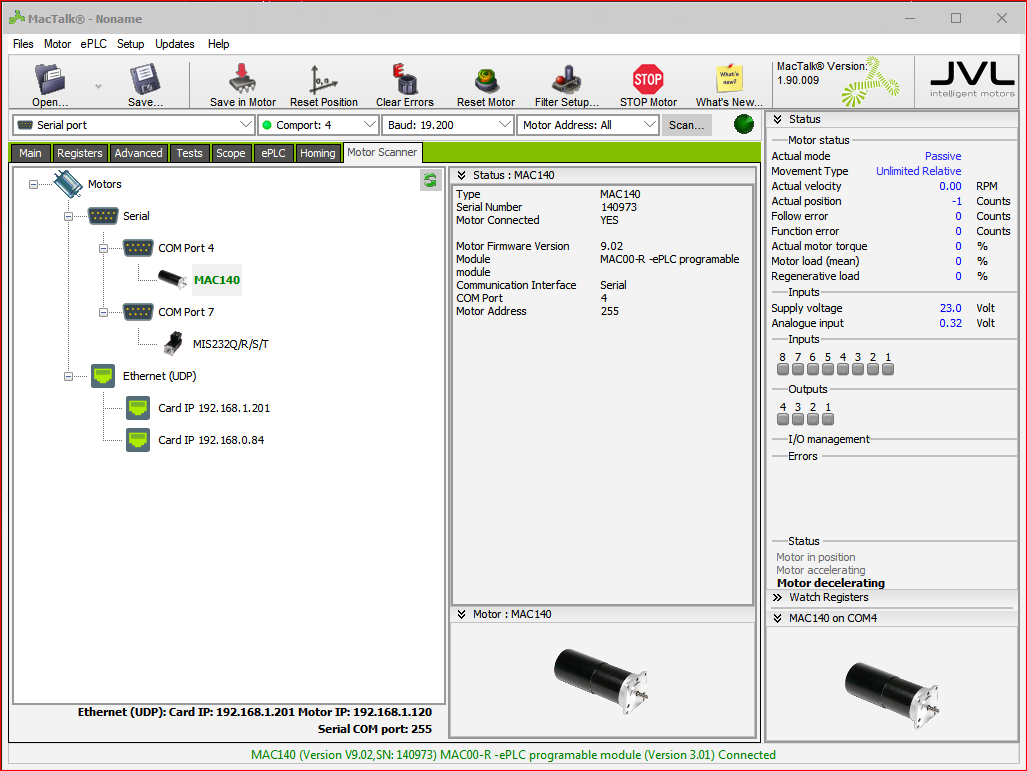
- Motor Scanner - the updated Motor Scanner gives a great overview of connected motors.
Customer video
PC Requirements
Recommended minimum specifications for your MacTalk® PC are as follows:
- SSD / HDD space: 500 MB
- RAM: 8 GB
- Resolution: 1280 × 960
- COM port or USB-to-COM converter *)
- Internet connection: yes, for updates to MacTalk® itself and for motor firmware updates
- OS: Windows 10 or 11 (even though Win7 might be possible we strongly advise against it for security reasons, as Microsoft stopped support for Win7 in 2020).
*) JVL can only offer technical support for our own converters with the following Item No.: (1) RS232-USB2.0-1 (only for MAC motor®) and (2) RS485-USB-M12M5M8M17 (for ServoStep™ and QuickStep®).
NB. Depending on the control module some MAC motor® might be able to use RS485 for serial communications but firmware update must be done via RS232.